

General Tab
The General Tab in Team Settings displays basic team information and allows management roles to edit team details.
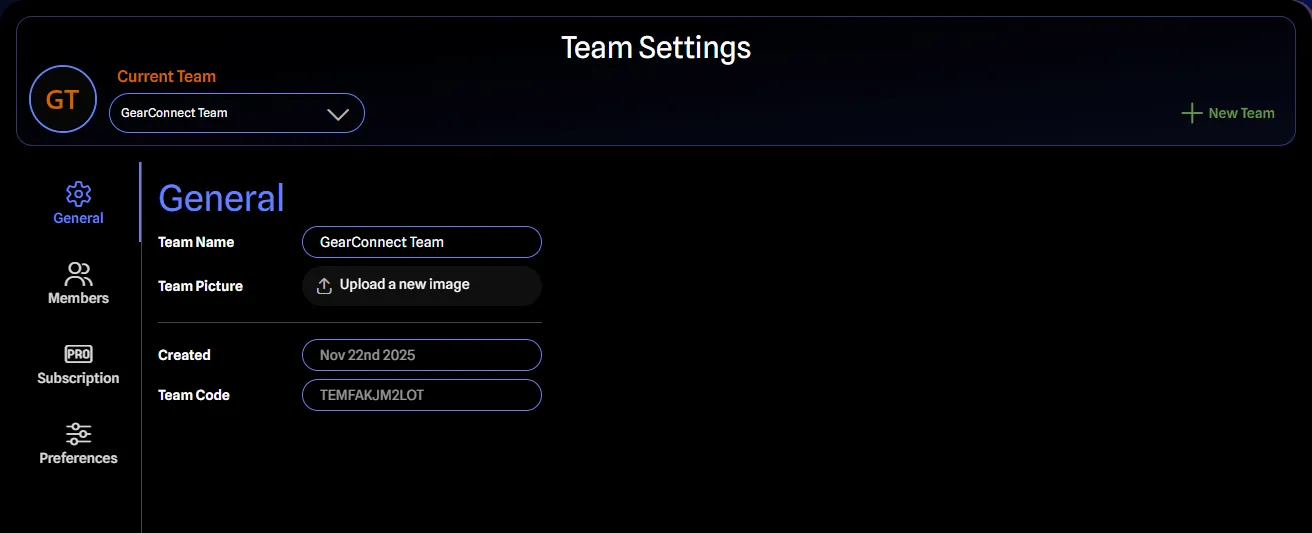
All team members can view this tab. Only management roles (Owner, Admin, and Billing Manager) can edit fields.
Fields
- Team Name: The team’s display name. Click to edit inline. Cannot be empty, 255 character limit.
- Team Picture: Upload an avatar for the team instead of the default avatar that is generated from your team name. Files must be valid images under 3MB.
- Created Date: When the team was created. Read-only.
- Team Code: Unique identifier for the team. Read-only. May be needed when contacting support.