

Preferences Tab
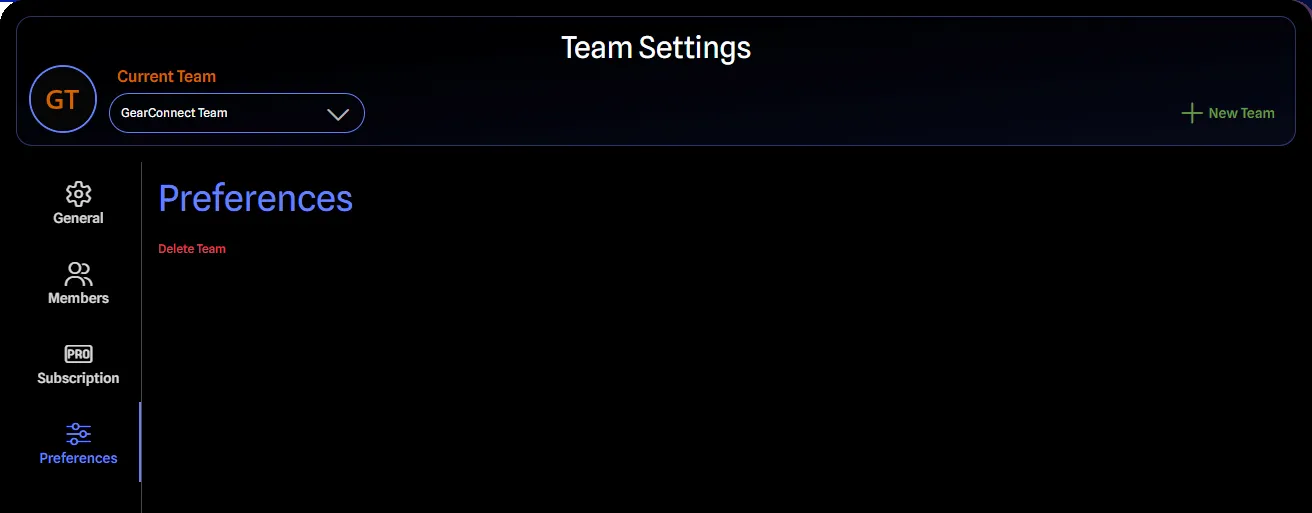
Delete Team
Deleting a Team is an Owner-only capability with significant consequences.
Requirements
- Must be the Team Owner
- Confirmation dialog requires entering the exact team name
Consequences
Deleting a team will:
- Delete all Team library items permanently
- Delete all projects associated with the Team permanently
- Remove all members from the Team, potentially revoking their Pro access
- Cancel active Team subscriptions
Deletion Process
To delete a team:
- Navigate to the Preferences tab in Team Settings
- Click Delete Team
- Enter the exact team name in the confirmation dialog
- Click OK